Unix Timestamp to Date: Complete Converter Guide
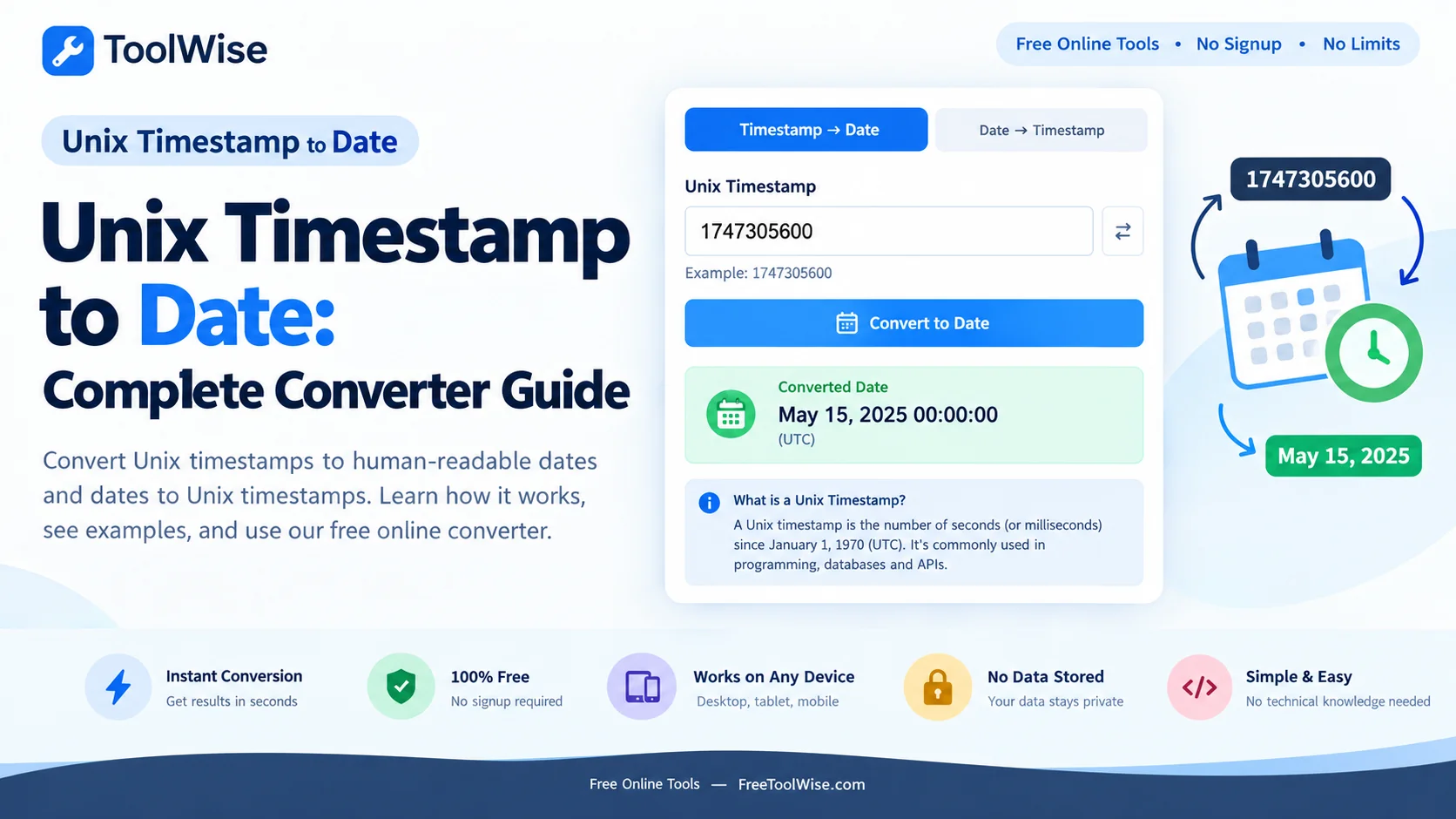
Hidden inside almost every database, log file, and API response is a long string of digits like 1728000000 that looks like noise until you know what it means. That number is a Unix timestamp — a single count of seconds that pins a moment in time more precisely than any written date. This guide explains what the number stores, why it starts in 1970, how to turn it back into a readable date, and the time-zone trap that catches almost everyone at least once.
What a Unix Timestamp Actually Stores
A Unix timestamp is a single integer counting the number of seconds that have passed since a fixed starting point. It does not store a year, a month, an hour, or any of the pieces you are used to seeing in a date — it stores only an elapsed duration, and every other part of a date is recomputed from that duration when someone needs to display it. That is the whole trick, and it explains both the format’s usefulness and its occasional confusion.
The value is deliberately minimal. A moment that would take twenty characters to write as a formatted date (“2026-10-04 12:00:00 UTC”) collapses into ten digits. That compactness is why timestamps are the default time representation in systems that move data around — it is a single sortable number with no separators to escape, no locale to guess, and no ambiguity about which calendar convention was intended.
Because the timestamp is just a number, it is trivially sortable: earlier moments are simply smaller integers. A log viewer or database can order a billion events chronologically with a plain numeric sort, something that would be slow and error-prone with formatted date strings. This one property, more than any other, is why nearly every machine timestamp you meet is stored as Unix time while the human-facing layer renders it as a date.
Why January 1, 1970 Is the Epoch
The choice of January 1, 1970, midnight UTC as the starting point — called the Unix epoch — was practical rather than profound. The earliest Unix systems needed a convenient origin for their internal clock, and 1970 was recent enough that timestamps would stay short for decades, while being anchored firmly in the past so all real events would have a positive count.
The consequence is that every timestamp you encounter is a count of seconds since that specific instant. A value of 0 is literally the epoch itself; 86,400 is one day later (86,400 seconds in a day); and a negative number represents an instant before 1970, which you occasionally meet when systems handle birth dates or historical events. In practice, converting in either direction — forward to a date, or backward to a timestamp — is the arithmetic of adding or subtracting seconds from a fixed midnight.
Worth noting is what the epoch does notinclude. Leap seconds, the occasional one-second adjustments that keep civil clocks aligned with Earth’s rotation, are generally ignored. Unix time treats every day as exactly 86,400 seconds long, which keeps the counter simple even though it means the timestamp drifts microscopically against true astronomical time over the decades.
Seconds, Milliseconds, and Where It Matters
The most reliable way to misread a timestamp is to ignore whether you are holding seconds or milliseconds. A value of 1728000000 is roughly 1.7 billion, which places it around the year 2026 in seconds. A related value of 1728000000000 — three digits longer — is the same moment expressed in milliseconds, one thousand times larger. Confusing the two shifts the resulting date by decades, a mistake that leaves a “wrong” timestamp that looks perfectly legitimate.
The convention varies by ecosystem. JavaScript’s Date.now() returns milliseconds; most command-line tools and database functions return seconds; some legacy systems return microseconds. The practical check is digit count: ten digits means seconds, thirteen means milliseconds, sixteen means microseconds. When in doubt, converting the value and sanity-checking the year tells you instantly which scale you were handed.
Converting Timestamps to Readable Dates
The conversion itself is simple arithmetic — add the elapsed seconds to the epoch — but doing it accurately by hand is tedious and error-prone, which is why a converter earns its keep. The Unix Timestamp Converter takes a timestamp in seconds or milliseconds and returns the corresponding date in your chosen format and time zone, with no mental leap-year arithmetic in between.
Two decisions shape the output. The first is display format: ISO 8601 (2026-10-04T12:00:00Z) is the standard for machine interchange, while a friendlier form (October 4, 2026, 12:00 PM UTC) suits humans. The second is the time zone used for rendering, which brings us to the trap that causes the most real-world confusion.
Time Zones and the UTC Trap
A timestamp is a fixed instant and is identical everywhere; only its human-readable form changes with time zone. The trap is assuming the rendered date is universal when it is not. A timestamp converted in the viewer’s local zone will show a different hour than the same timestamp watched in UTC, and the difference can even shift the displayed date when the moment falls near midnight.
The discipline that avoids ambiguity is to pick one zone and say so. Systems that exchange data across borders almost always standardise on UTC, appending a “Z” to ISO strings to mark it. A converter that lets you toggle between UTC and a local zone makes it easy to see both views of the same instant side by side — the timestamp never changes, but the readable answer does, and knowing which one the other person is looking at is half of understanding any timestamp conversation.
Common Timestamp Mistakes and How to Spot Them
- Seconds vs milliseconds. The single biggest error; a year that looks hundreds of years off is almost always a scaling mistake. Check the digit count first.
- Timezone mismatch. A date that is exactly a whole number of hours off is a rendering-zone problem, not a bad timestamp — the instant is right, only the display shifted.
- Truncation. A missing digit at the start or end throws the value off by a wildly inconsistent amount; a timestamp that is suspiciously short is usually incomplete.
- Leap-second expectations. If you need to the exact second across past leap-second events, be aware Unix time smooths those over rather than counting them.
- Out-of-range values. Negative timestamps or values with more than 13 digits should prompt a double-check of what unit you are actually dealing with.
When a timestamp produces an implausible answer, the quickest diagnosis is to convert it both as seconds and as milliseconds and compare the resulting years. One of the two will land squarely in a sensible range, and that single comparison reveals both the unit and any scaling error at once.
Frequently Asked Questions
What is the current Unix timestamp?
How do you convert a Unix timestamp to a human-readable date?
What is the difference between Unix time and a regular date?
Is a 13-digit timestamp milliseconds or seconds?
Does a Unix timestamp change with the time zone?
Will Unix time ever run out?
Convert any timestamp in seconds
Paste a Unix timestamp (or a date) and the ToolWise Unix Timestamp Converter returns the other side in ISO, UTC, and local time — free, in your browser, with nothing to install.
Open Unix Timestamp Converter →