How AI Summarizers Are Changing the Way We Read
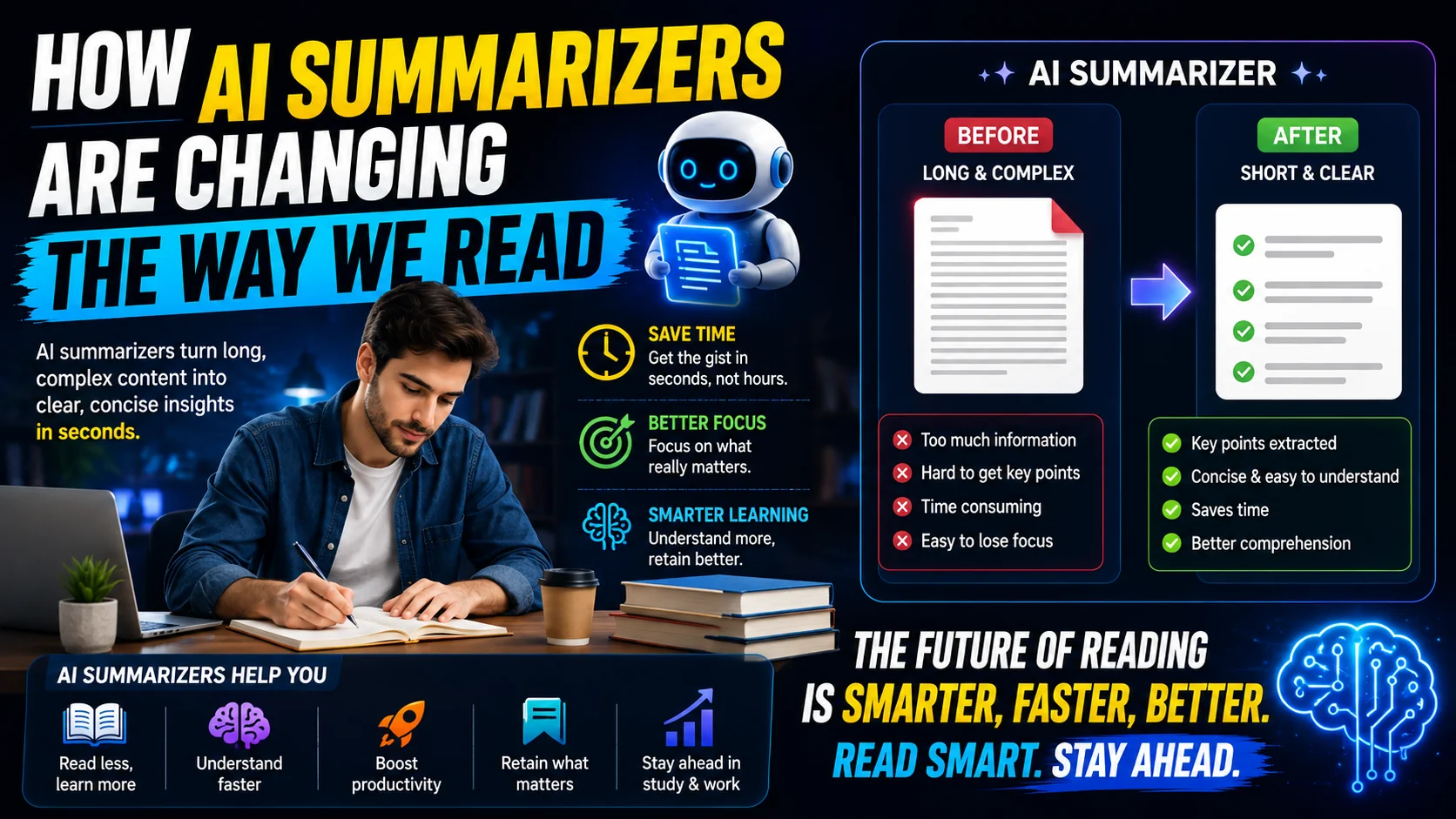
In an era where information overload is the default state of the internet, reading every word of a 50-page report, a lengthy news article, or a dense academic paper is no longer feasible. This is where AI text summarizers step in, transforming how we consume written content.
The Problem with Information Overload
According to recent studies, the average professional spends nearly 28% of their work week just managing emails and reading internal documents. The sheer volume of text we are expected to process daily leads to cognitive fatigue. When your brain is overwhelmed with reading, retention drops significantly.
Before AI, the only solution was speed reading or relying on human-written executive summaries (which are expensive and time-consuming to produce). Now, Natural Language Processing (NLP) has democratized the ability to distill massive blocks of text into digestible bullet points in seconds.
The Two Main Types of AI Summarization
To understand why modern AI summarizers are so powerful, it is important to understand the two main methods they use:
📌 Extractive Summarization
The algorithm acts like a digital highlighter. It scans the document, identifies the most important existing sentences based on keyword density, and strings them together. Fast, but the output can feel disjointed.
🧠 Abstractive Summarization
What powers modern tools. Large language models (LLMs) read and comprehend the text, then write a completely new summary using their own words — capturing nuance and tone like a human assistant.
Summary Output Modes (At a Glance)
Most AI summarizer tools, including the ToolWise AI Summarizer, let you choose how the output is structured. Pick the mode that matches the task:
| Mode | Best For | Length |
|---|---|---|
| TL;DR | News, blog posts, product reviews | 1–2 sentences |
| Short Paragraph | Articles & reports | ~80 words |
| Bullet Points | Meetings, study notes, briefs | 4–7 bullets |
| Key Takeaways | Executive decisions | Labeled insights |
| Detailed | Academic reading | ~300 words |
Step-by-Step: Summarize Any Document
- Open the ToolWise AI Summarizer in your browser. No sign-up or installation is required.
- Paste your text into the editor. For best results, include the introduction and conclusion — those sections anchor the AI on the document's main argument.
- Pick a summary mode (TL;DR, Bullet Points, Key Takeaways, etc.) from the dropdown menu.
- Click "Summarize". The AI processes the text in seconds and displays a clean, structured output.
- Verify & refine. Double-check specific statistics, dates, or quotes against the source. Copy the final summary into your notes, email, or document.
How to Maximize Your Use of AI Summarizers
If you want to get the most out of a summarization tool, follow these best practices:
- Provide Context: When pasting text into a summarizer, ensure you include the introduction and conclusion. These sections naturally contain the thesis of the document, giving the AI the best possible anchor points.
- Choose the Right Format: Are you prepping for a meeting? Choose the Bullet Points option. Need to understand a news article? The Short Paragraph option is best. Tailor the output to your specific need.
- Iterate on the Output: If the first summary is too generic, add a one-line instruction like "Focus on financial risks" — many tools support custom prompts.
- Verify Critical Data: While AI is incredibly accurate at capturing the main idea, you should always double-check specific statistics, dates, or highly technical claims in the original text.
- Use It for Triage, Not Replacement: Treat summaries as a filter. If a section deserves more depth, go read the original.
Real-World Use Cases
- Students: Review literature reviews and textbook chapters in a fraction of the time.
- Professionals: Catch up on industry news, internal memos, and competitor research before standups.
- Writers & Editors: Spot-check their own long drafts for structure and redundancy.
- Researchers: Quickly triage dozens of academic papers to decide which deserve a full read.
- Customer Support: Summarize lengthy customer email threads before drafting a reply.
The Future of Reading
AI summarizers are not replacing reading; they are replacing filtering. By allowing AI to read the fluff, you save your cognitive energy for the documents that actually matter. It empowers students to review literature faster, professionals to stay updated on industry news, and writers to review their own work objectively.
What a Good Summary Actually Looks Like
A useful summary is not a shorter copy of the source — it is a distilled answer to the question “what is this really about, and why should I care?” That means three things distinguish a good summary from a bad one: it surfaces the thesis, it preserves the causal structure, and it drops the examples and digressions that merely filled space.
A weak summary reads like a list of topic sentences stitched together — technically accurate, but flat and hard to act on. A strong summary adds connective tissue: it tells you that the document argues X because of Y, warns against Z, and ends with a recommendation you can actually use. When you review an AI summary, ask whether you could make a decision from it. If you would still need to open the source to understand the point, the summary has not done its job.
The Limits You Should Know Before Trusting One
- Edge cases and numbers drift. Abstractive models paraphrase, and in paraphrasing they can round a figure, swap a date, or invent a small connecting detail that was never in the source. Treat every specific claim as needing verification.
- Nuance gets flattened. A carefully hedged academic argument (“the evidence suggests, with caveats…”) often becomes a confident “the study proves” because the hedge is the first thing a summarizer drops.
- Tone and intent are the first casualties. Irony, humour, and rhetorical questions rarely survive compression, so a summary of an opinion piece can misread the author’s actual position.
- Memory has a ceiling. Very long documents exceed the model’s context window, so the summarizer sees only part of the text and summarises what it was shown, not the whole.
None of this makes summarizers bad — it makes them a triage tool. Summarize first to decide where to invest your full attention, then read the original when the stakes are high.
Folding Summarization Into a Daily Workflow
The people who get the most from AI summarizers do not treat them as a novelty; they build them into specific moments in their day where compression genuinely saves time:
- The morning inbox sweep. Summarize long newsletters and vendor emails before reading them fully, so you only open the ones that matter.
- Pre-meeting briefing. Condense a dense spec or report into bullet points you can scan in the lift on the way to the room.
- Research triage. Run a dozen paper abstracts or competitor pages through a summarizer to shortlist the three or four worth a full read.
- Draft review. Summarize your own long draft to see whether the argument is still standing after the words are stripped away — if the summary is confusing, the draft probably is too.
- Customer support. Boil a rambling complaint down to the core issue before writing the reply, so nothing important gets overlooked.
The Reading Habit That Keeps You Sharp
There is a quiet risk in leaning on summaries too heavily: the deep reading they replace is also a form of thinking, and skipping it every time can slowly erode your ability to follow a long argument to its end. Summaries compress the content of a document, but they cannot compress your comprehension of it.
The healthy pattern is deliberate: summarize to filter, then read at full depth the small number of things that survive the filter. Use the tool to decide what deserves your attention, and reserve your focused reading for the documents where the nuance actually matters — contracts, research you will cite, and ideas you plan to act on. That division of labour gives you the speed of compression and the depth of real engagement at the same time.
Frequently Asked Questions
Can AI summarizers replace reading?
Which summarization mode should I pick?
Do AI summarizers hallucinate?
How long can the input text be?
Is my text sent to a server?
Ready to save hours of reading?
Try the completely free ToolWise AI Summarizer. No sign-up required, instantly convert long articles into perfect summaries.
Try the AI Summarizer Now →